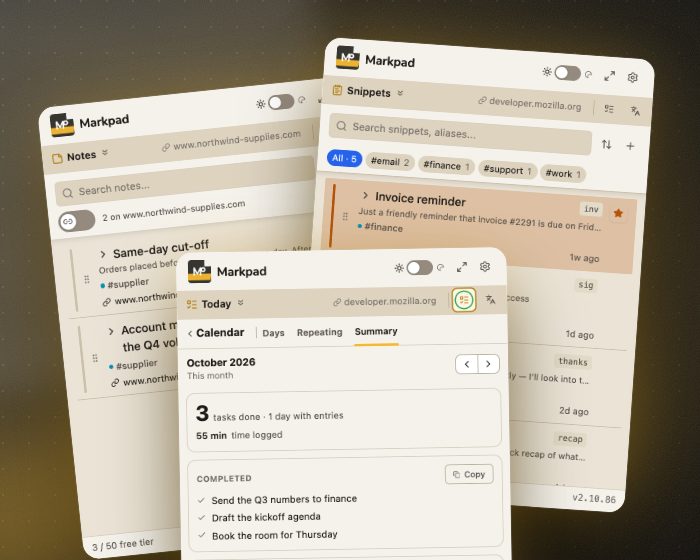
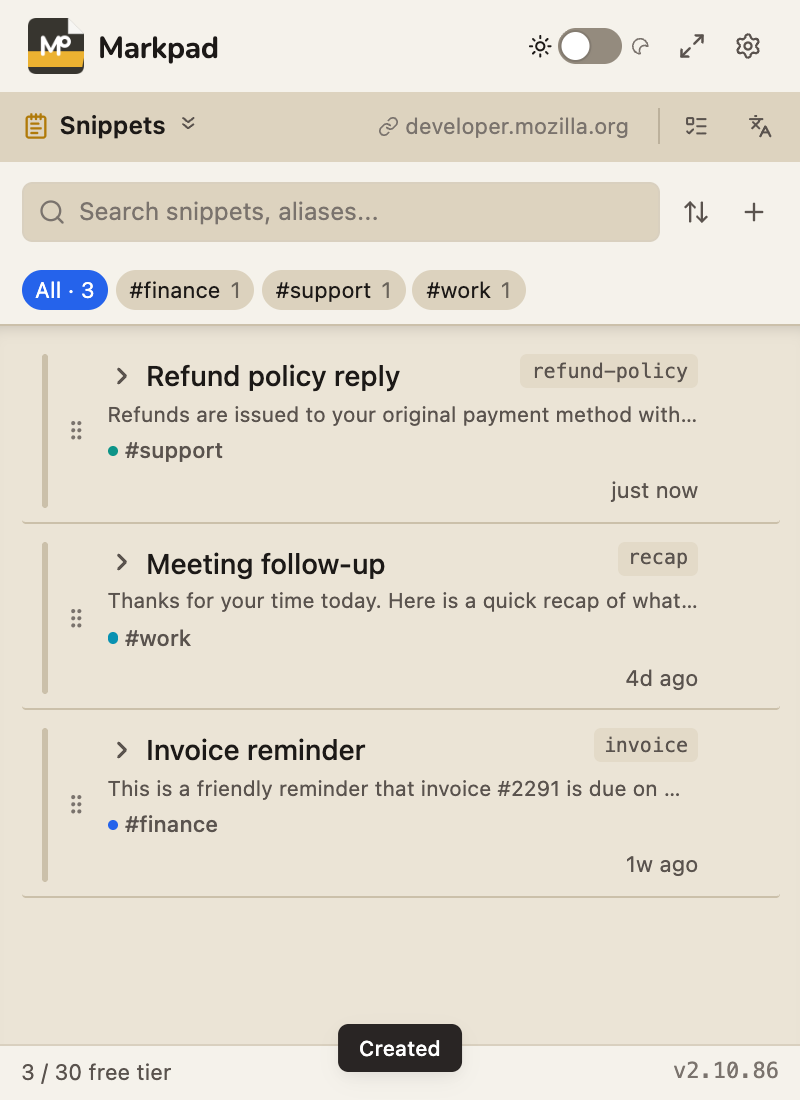
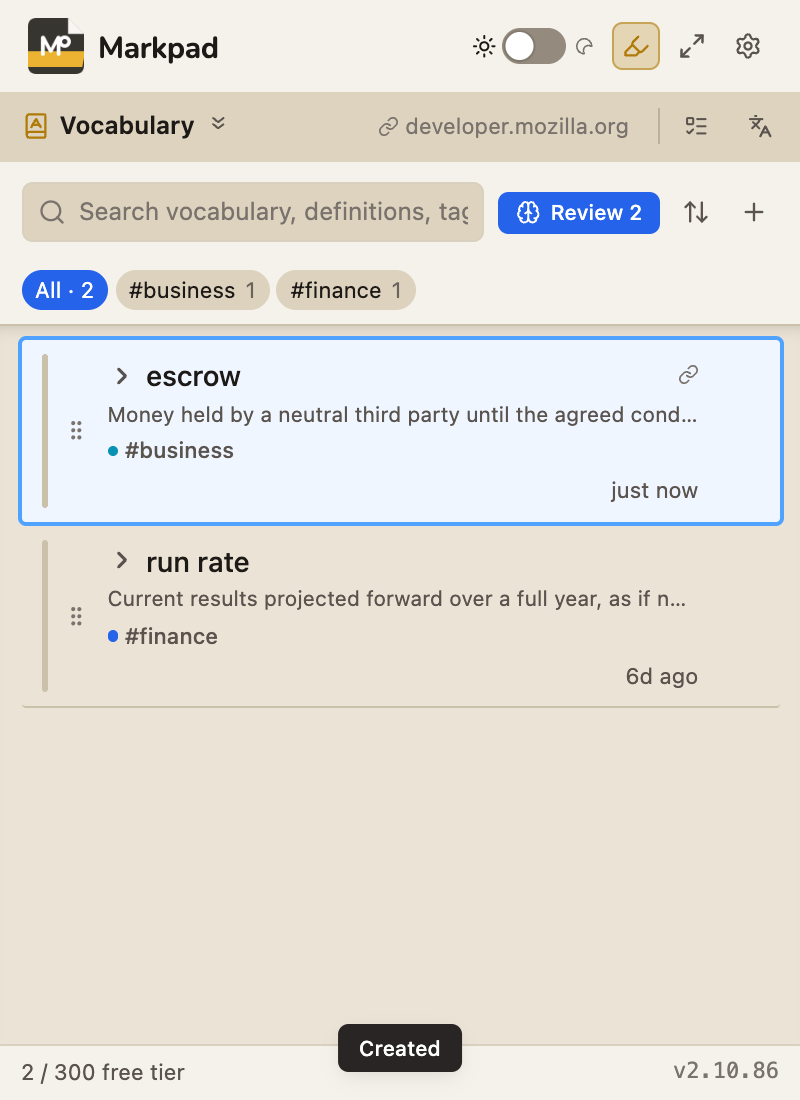
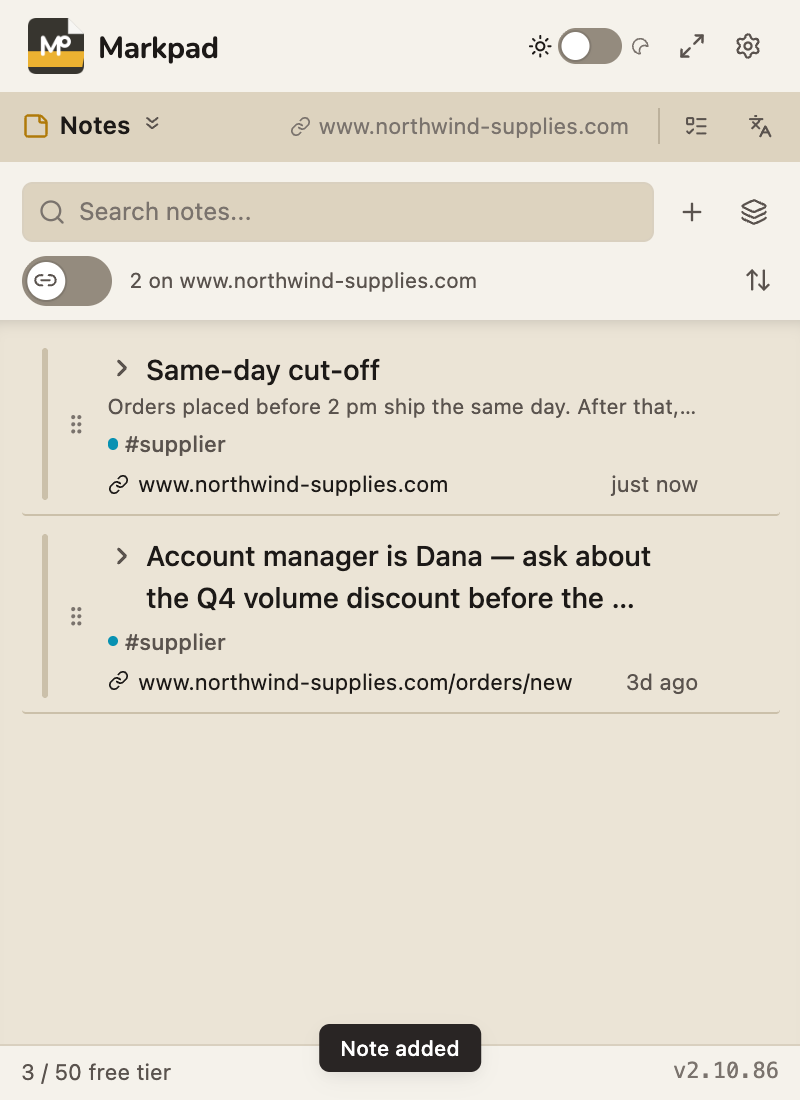
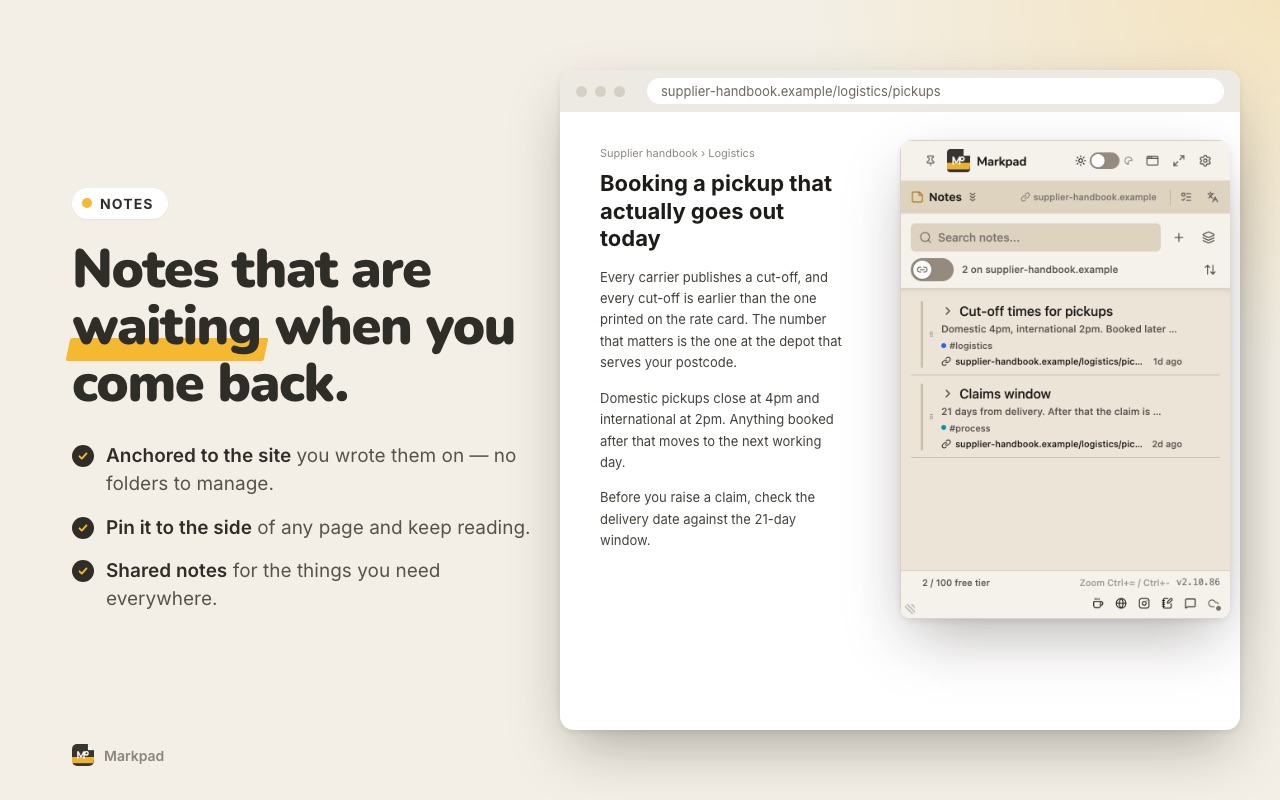
Stop juggling note-taking apps, sticky notes, clipboard managers and a separate to-do app. Markpad consolidates what a knowledge worker reaches for every day.
Today — plan the day, then look back
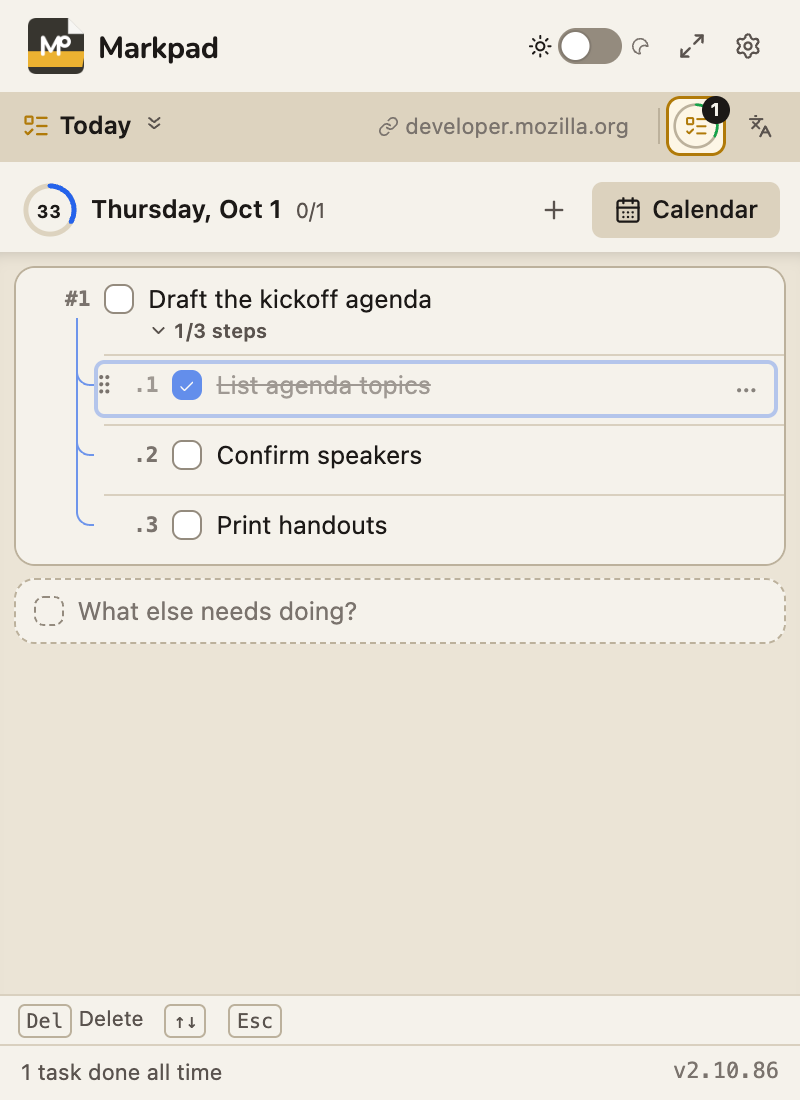
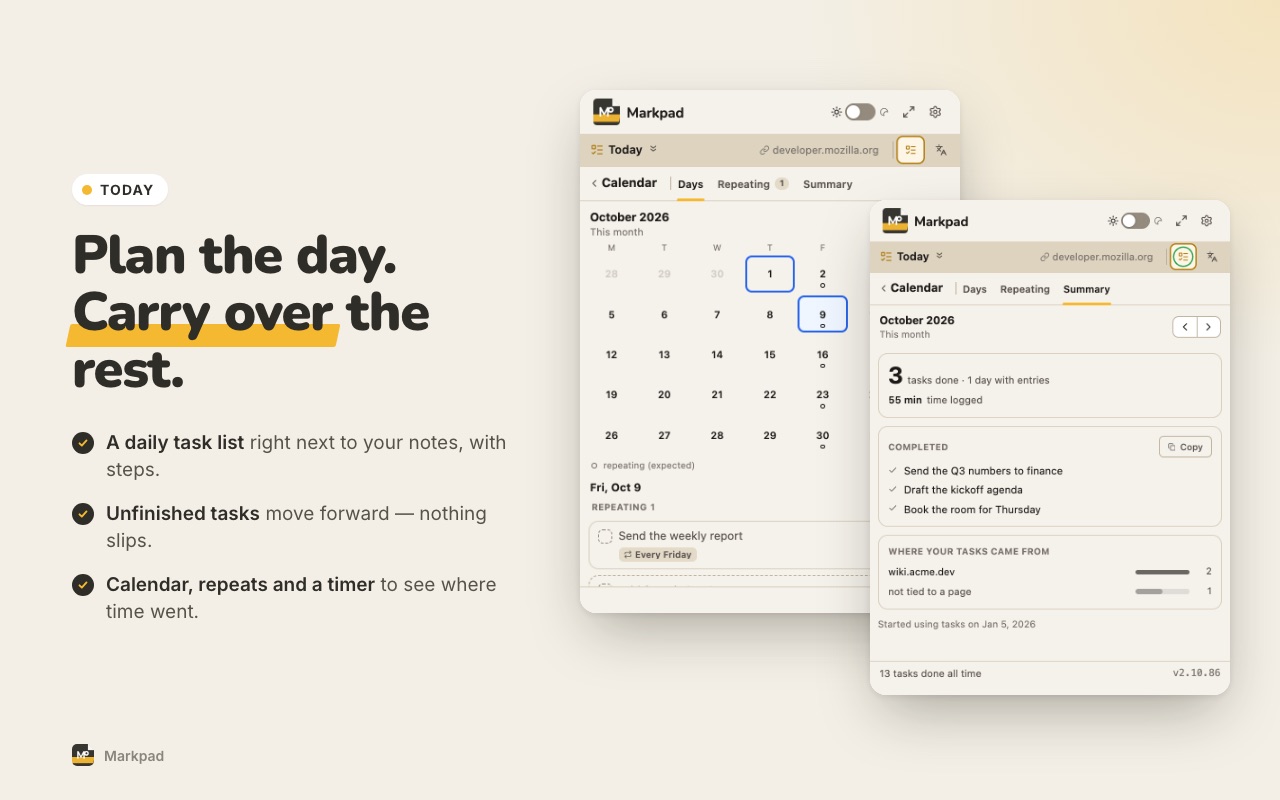
A task list that starts fresh every morning. Unfinished tasks come along in one click — no retyping, no red "overdue". Break a task into steps, star what matters, drag to reorder, and every task keeps a fixed number (#1, #2.1) you can refer to. Hit Start to time what you work on. Plan tasks for any day in the next five weeks, set tasks that repeat, and look back on a calendar of what you actually got done. Select text on a page to turn it into a task with a link back to where it came from.
Carry-over in one click
Steps & numbering
Time tracking
Calendar & repeat
Pin Widget — Floating sidebar
Pin Markpad as a draggable sidebar on any page — every tab of the main window, without leaving what you are reading. Turn it on or off in Settings.
Draggable
Dock left/right
Always-on
Full tab — everything you marked, in one place
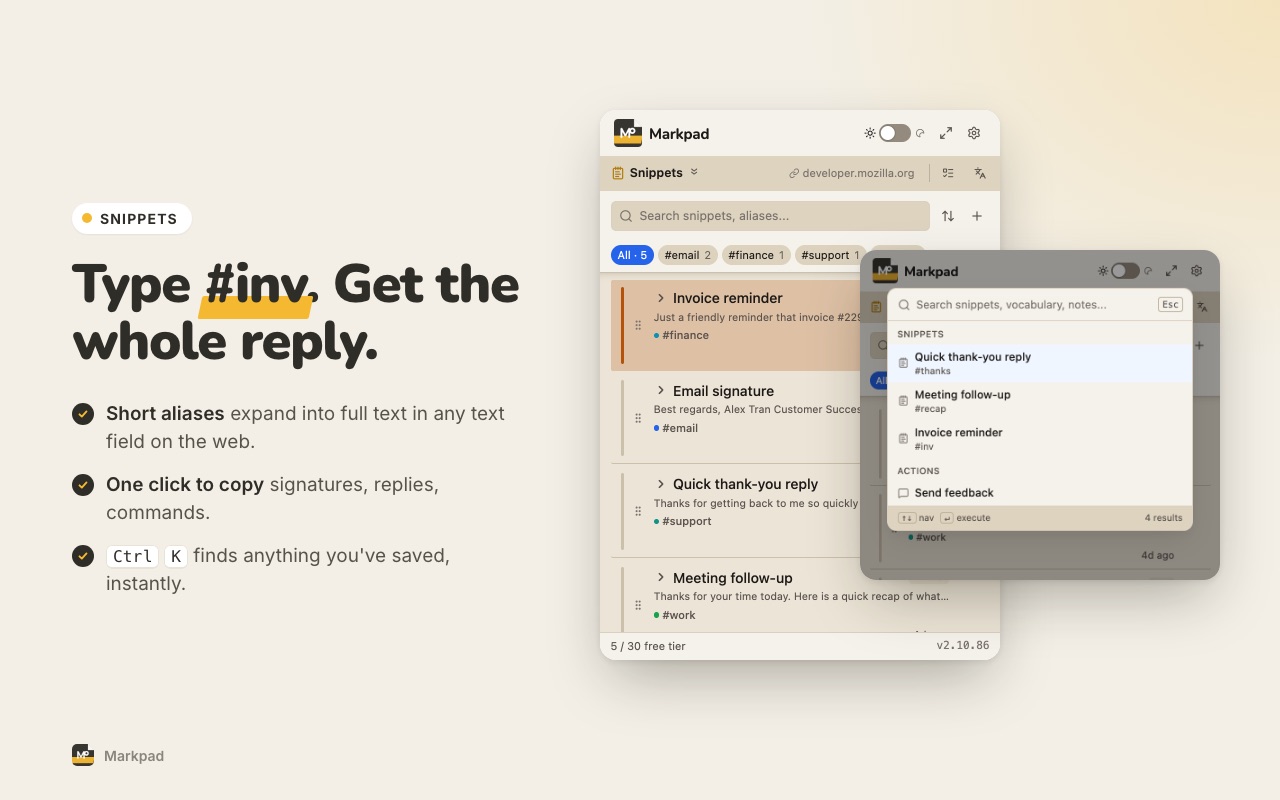
The small window is built for capturing. Open Markpad in a full tab when you want to go back through it: snippets, vocabulary and notes on one timeline, reading a note without losing the list, bulk tidy-up, tag colors, and review stats.
One timeline
Multi-select
Tag colors
Review stats
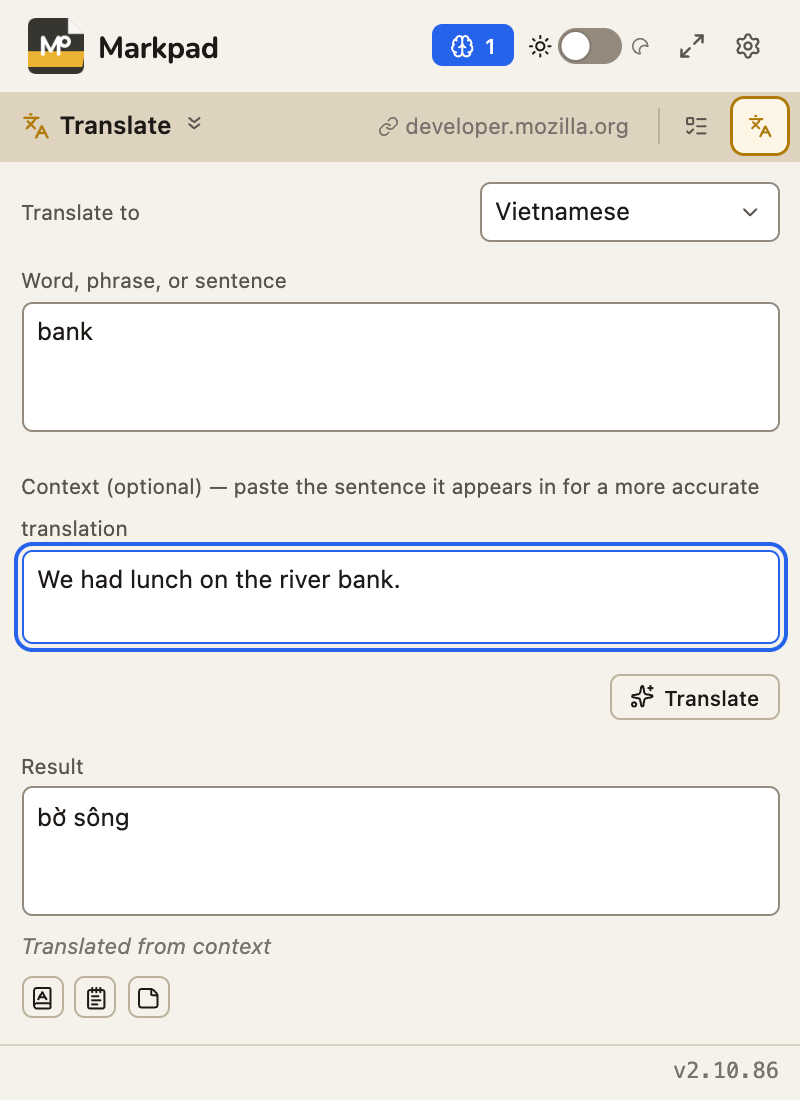
Translate — in context, without leaving the page
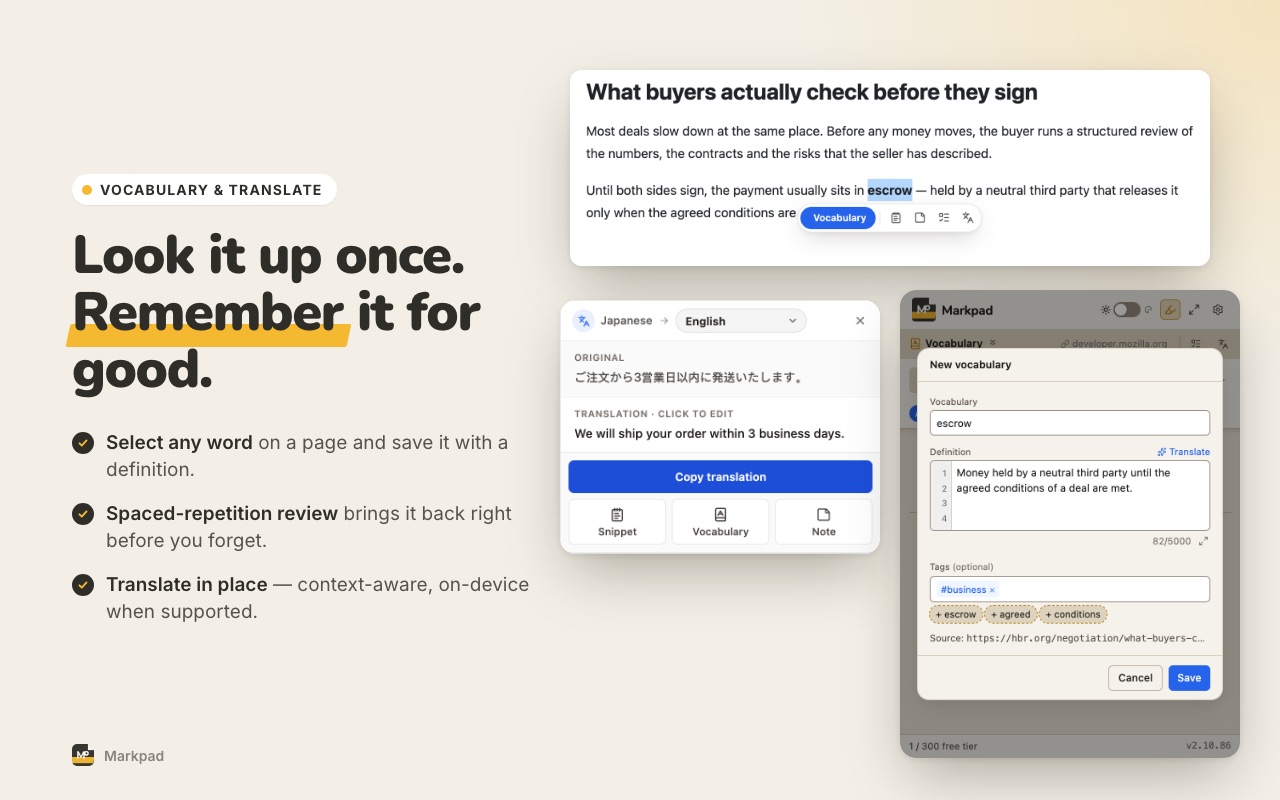
Highlight foreign text → translate inline. Look up a word to get a dictionary card — pronunciation (UK/US) you can hear, meanings by part of speech, and the meaning it has in your sentence. Any word, sentence or translation is read aloud in a natural voice, in every language. Edit before saving. Save the result straight to a snippet, a vocabulary term or a note. Google-quality translation — slang and idioms included — with Chrome's built-in on-device Translator as the backup. Prefer nothing leaving your browser? Turn online translation and reading aloud off in Settings.
Chrome AI
In-context
Edit before save
15 languages
Google Sync — Markpad Pro
Sign in with your Google account and your snippets, vocabulary, notes and Today tasks follow you to every computer you use. Works offline and catches up when you are back online. Turn it off or remove everything from the cloud in one click — your data on this device is never touched.
Google account
Snippets · Vocabulary · Notes · Today
Offline-first
Pro
Write comfortably, fix mistakes instantly
Long snippets and notes open in a real editor: Markdown and JSON highlighting, folding, and search. Saved the wrong thing? An Undo button sits right on the item you just saved. Tags are suggested — and can be added for you — from what you write, using on-device AI. Deleted items wait 30 days in Trash.
Markdown & JSON editor
Undo after save
Auto tags
30-day Trash